


-
-
February 17, 2021 at 11:58 am #7419
stevland
KeymasterThank you for the report.
Please replace
<span style="color: #008000;">/include/plugins/attachment_preview.phar</span>with this version.You may need to then go to Admin Panel > Manage > Plugins and re-enable the Attachment Inline Plugin.
But either way, after that you should be good-to-go.
-
February 17, 2021 at 12:36 pm #7420MswissmikeParticipant
Hi stevland
Thanks for the quick help!
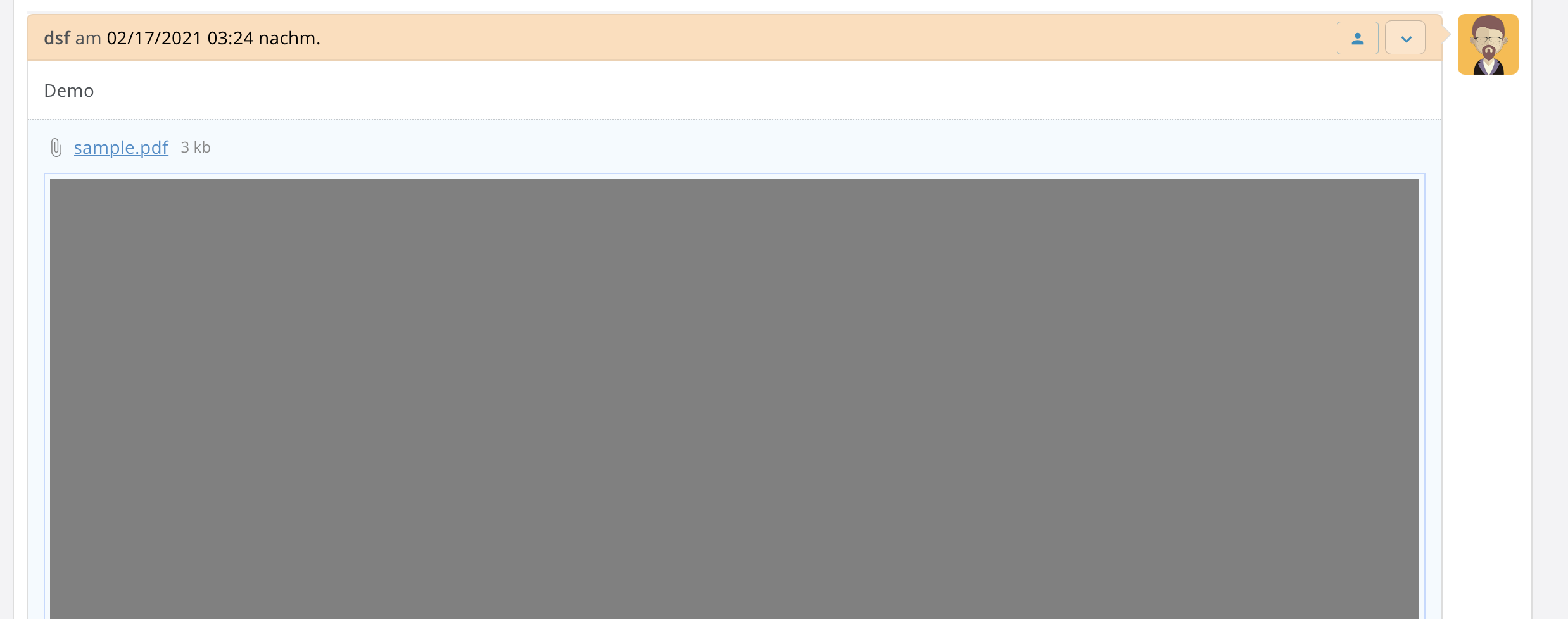
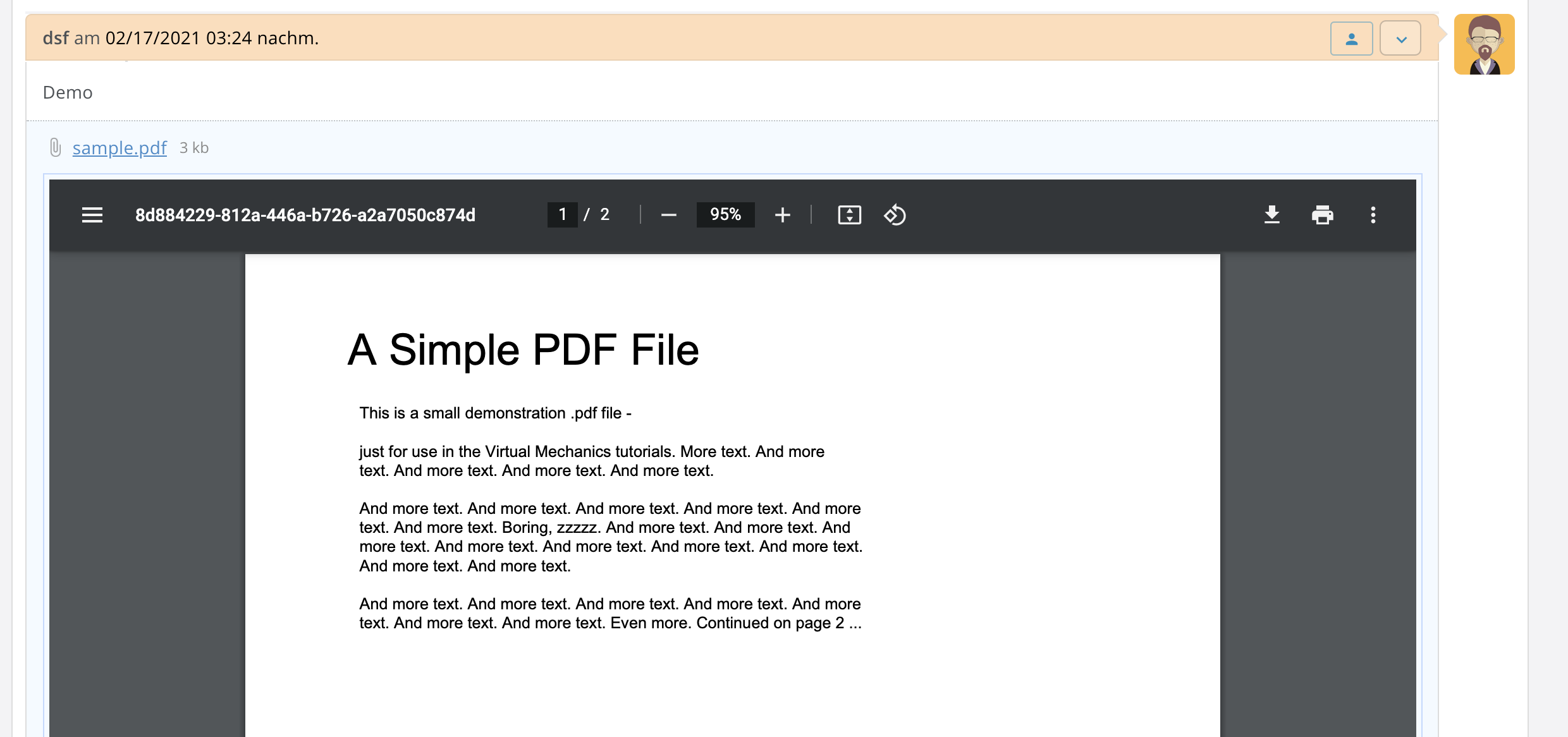
Uploaded your file to my server and reactivated the plugin. Unfortunately it didn’t help, the problem is still there. I think it is a browser problem. Because on Google Chrome it works, but on Safari 14.0.3 for macOS it doesn’t. If anyone else has any ideas, I would appreciate it. Otherwise, I’ll try to work with Google Chrome, because everything works there.
Screenshot Safari with problem to show PDF:
Screenshot Google Chrome, everything works fine:
-
February 19, 2021 at 9:53 am #7440Keymaster
After updating the plugin, did you clear Safari’s browser cache?
Unfortunately I do not have access to a Mac right now, so I can’t test MacOS Safari.
But I did try it on an iPhone and a PDF did preview in iOS Safari, although the preview sometimes did not load right away until I refreshed the page.
If clearing Safari’s cache doesn’t help, try the SHIFT + O keyboard combination to view the same ticket in vanilla osTicket. Does the PDF preview display as expected over there?
(BTW I highly recommend using Chrome on MacOS anyway. I think it is a crime that Apple keep promoting Safari. Either they should accelerate its development, or they should abandon it. But that’s my personal opinion, ymmv)
-
You must be logged in to reply to this topic.